
Studocu: Notes & Practice PC
StuDocu
Download Studocu: Notes & Practice on PC With GameLoop Emulator
Studocu: Notes & Practice on PC
Studocu: Notes & Practice, coming from the developer StuDocu, is running on Android systerm in the past.
Now, You can play Studocu: Notes & Practice on PC with GameLoop smoothly.
Download it in the GameLoop library or search results. No more eyeing the battery or frustrating calls at the wrong time any more.
Just enjoy Studocu: Notes & Practice PC on the large screen for free!
Studocu: Notes & Practice Introduction
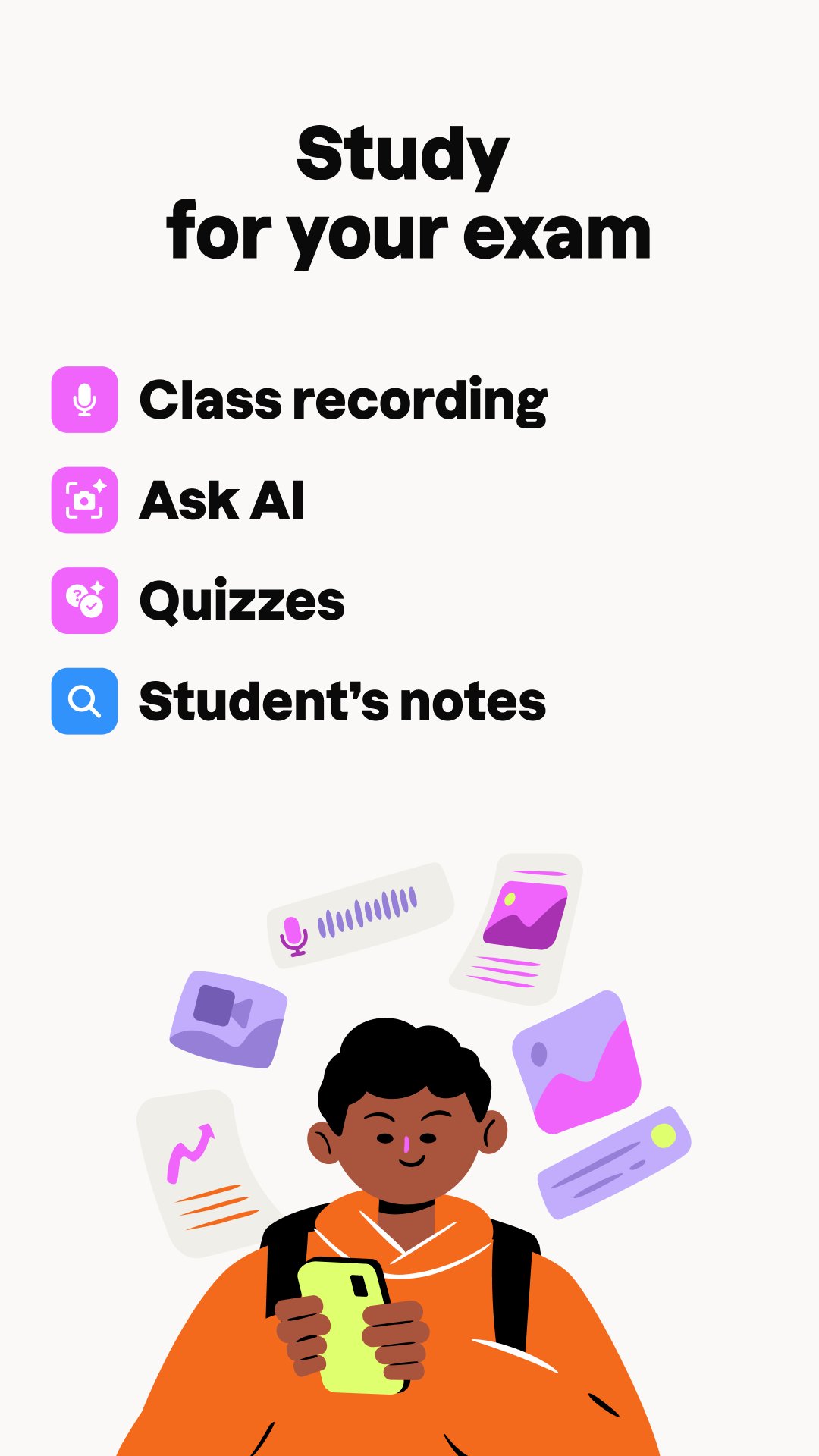
Ace your exams with Studocu, the AI study app trusted by millions of students worldwide. From recording lectures and generating AI quizzes, to using the Ask AI tutor and accessing 50M+ real student notes, it has everything you need to succeed.
Key Features:
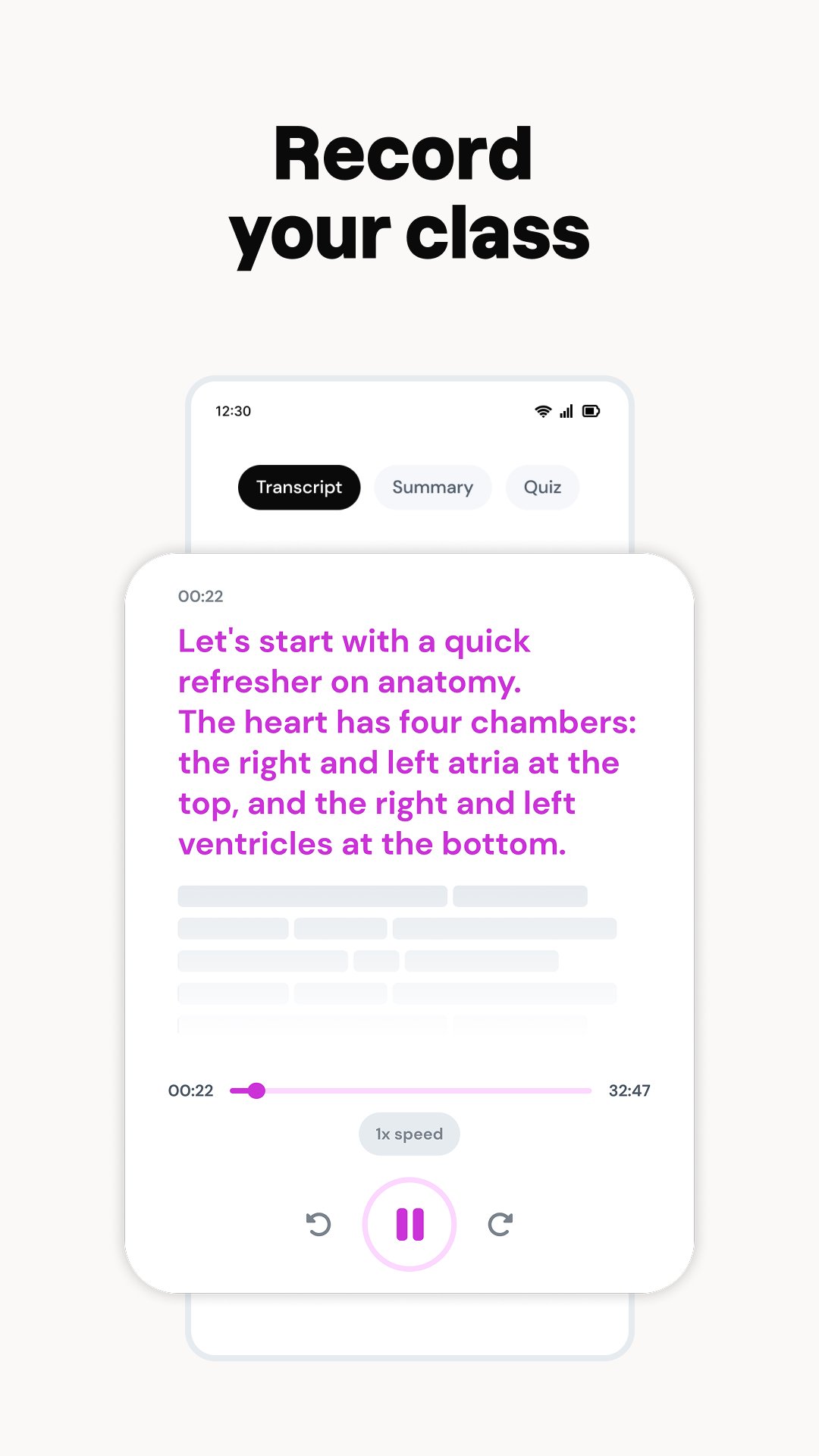
Lecture Recorder: Never miss anything in your lecture
- Record lectures, classes, seminars, and study groups directly in the app.
- Generate full transcripts for accurate note-taking and organize them by course
- Get instant AI summaries of recordings with key learning points, detailed topic notes, exam call-outs, and action items
- Turn recordings into quizzes with one tap to test your knowledge or revise before an exam
- Schedule reminders so you never miss recording an important lecture
AI Quiz: Test your knowledge and revise your study notes
- Turn any document you find on the app into an AI quiz instantly with one tap
- Get instant feedback and explanations for questions, or try again to keep practicing until you master the topics
- Generated practice quizzes organized in the practice tab to revisit them later easily
Ask AI: Snap a photo to ask or solve
- Get instant homework help when you are stuck on a difficult assignment or textbook question
- Ask any study-related question or use it as a math solver to receive clear, step-by-step explanations for tough subjects like math, science, and languages
- Get the best possible answers as Studocu combines advanced AI with millions of real student notes to deliver highly accurate, reliable guidance
- Ask follow-up questions to clarify confusing concepts and ensure you fully understand the material before exam day
Student Notes: Real notes uploaded by students
- Access a massive library of 50M+ study resources, including lecture notes, practice materials, detailed course summaries, essays, and tutorial work
- Find materials specific to your university and exact courses to ensure you are studying the most relevant content
- Learn from top students by reviewing their shared assignments and study guides to boost your own grades
- Share notes with friends to easily collaborate and study together
- Ask AI anything about the document or create a practice quiz from it instantly with just one tap
Why students love Studocu
- All-in-one education and study companion that combines a massive library of real student notes with powerful AI tools in a single app.
- Save hours of study time by letting the AI do the heavy lifting of transcribing lectures and creating quizzes while students focus on learning.
- Improve academic performance through instant AI quizzes and a built-in AI homework helper exactly when students need it.
- Study anywhere and anytime by syncing your notes, quizzes, and recordings across devices.
- From instant homework help to advanced lecture recording, Studocu is the app for students who want to study smarter, not harder. Download now to record and transform your lectures into notes, summaries, and quizzes!
Support and Info:
Customer Support: https://www.studocu.com/en/support
Privacy Policy: https://www.studocu.com/en/privacy-policy
Terms of Use: https://www.studocu.com/en/terms
Preview
Tags
EducationInformation
Developer
StuDocu
Latest Version
8.16.0
Last Updated
Yesterday
Category
Education
Available on
Google Play
Show More
How to play Studocu: Notes & Practice with GameLoop on PC
1. Download GameLoop from the official website, then run the exe file to install GameLoop
2. Open GameLoop and search for “Studocu: Notes & Practice” , find Studocu: Notes & Practice in the search results and click “Install”
3. Enjoy playing Studocu: Notes & Practice on GameLoop
Minimum requirements
OS
Windows 8.1 64-bit or Windows 10 64-bit
GPU
GTX 1050
CPU
i3-8300
Memory
8GB RAM
Storage
1GB available space
Recommended requirements
OS
Windows 8.1 64-bit or Windows 10 64-bit
GPU
GTX 1050
CPU
i3-9320
Memory
16GB RAM
Storage
1GB available space